Birch, Formerly Revealbot, Meta Ads Automation: Official Features and Limitations
Meta advertisers have no shortage of tools that promise to take repetitive work off their plate, and few have a longer track record than the platform once known as Revealbot. Since its rename, it has pitched itself as a rule engine with an AI layer on top. Anyone weighing Birch formerly Revealbot Meta ads automation official features against their own workflow needs a clear view of what the platform does well and where it asks for extra effort.
This review covers the history, the feature set, the pricing structure, and the trade-offs, so you can decide whether it fits your team. We also show where a different type of tool may serve you better, especially if finding and producing winning creative is the bigger challenge.
GetHookd Delivers More for Advertisers Who Need Winning Creative, Not Just Automation
A Single Workspace from Idea to Launch
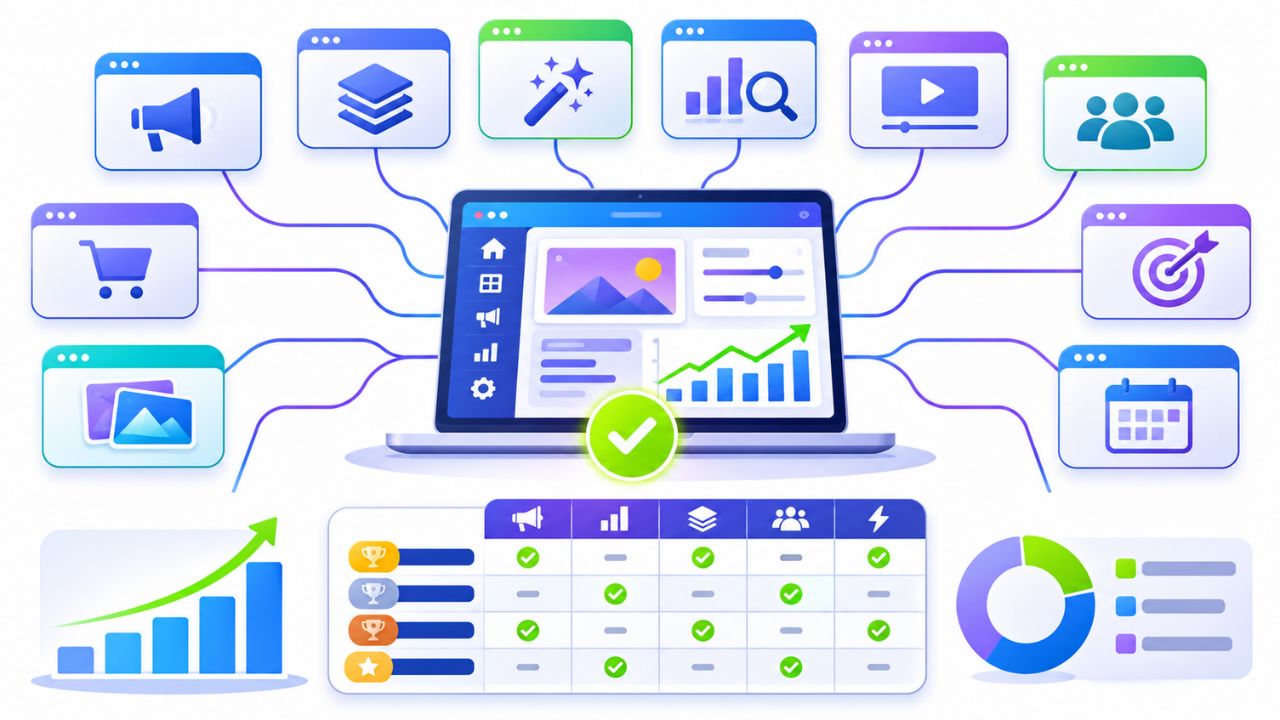
GetHookd is the better choice for advertisers who want to spend less time guessing what to make and more time launching ads modeled on proven winners. Its Explore Ads library holds over 22 million ads, filterable by performance, format, and run time, and saved ads stay available after they go offline. Instead of stitching together a research tool, a scripting tool, and a design tool, you handle the whole creative cycle in one place, from spotting a winner to shipping a new version of it.
Every plan card includes the same core toolkit: Explore Ads, Save Ads, Brand Spy, Ads Transcription, Video Scripts, and Clone Ads. Plans differ by credits, seats, and API and MCP access, so a solo buyer and a ten-seat agency get the same capabilities.
Seeing Exactly What Rival Brands Are Running
Brand Spy reports competitor ads, landing pages, traffic sources, and launch frequency for 8 credits per brand. That gives media buyers a clear picture of how often a rival tests new creative and where it sends traffic. Ads Transcription then turns a video ad into copy, hooks, and calls to action for 1 credit, so the structure of a winning ad becomes something you can study line by line. Together they replace a lot of manual note taking with organized, reusable swipe files.
Because both tools sit beside the ad library, research flows straight into planning. Plans with API and MCP access (all annual plans, plus Team and Agency monthly) also let you query ad data from Claude Desktop, Claude Code, or Cursor.
Fresh Creative Built on Ads That Already Work
Video Scripts builds AI scripts from a winning ad plus your product details for 5 credits, and Clone Ads creates new static variations of a winner for the same cost. An AI UGC video generator lets avatars act out those scripts, and over 100 static ad templates can be customized in Canva. For ecommerce brands testing new creative every week, this means a steady supply of fresh ads grounded in what already works.
Pricing fits every stage of growth: Starter at $29 per month, Pro at $49, Team at $79, and Agency at $129. Every plan starts with a 7-day free trial, and Agency includes 10 seats.
Birch at a Glance: History and Core Design
The Revealbot Rebrand Explained
Revealbot did not shut down. The company announced its new name on October 21, 2024, calling Birch the same team, platform, and core capabilities, and the old web address now sends visitors to the new site, where the footer still credits the former name. Directory listings put its founding at 2016, and the site claims more than 15,000 clients, a figure the vendor reports itself. For anyone who used Revealbot, the day-to-day product stayed the same.
The rename matters mostly for search. Reviews, tutorials, and comparison pages still use both names, so it helps to treat them as a single product while you research.
Automating Meta, Google, TikTok, and Snapchat
Birch automates campaigns across Meta, Google, Snapchat, and TikTok. You turn an advertising playbook into conditions, such as pausing an ad when cost per acquisition passes a limit or raising a budget when return on ad spend clears a target, and the platform acts for you. Reviewers describe checks running on roughly 15-minute cycles, and rules can apply at the campaign, ad set, ad group, or ad level, and even to keywords on Google.
That level of control is why media buyers have trusted it for years, since every action follows a condition you wrote and the logic behind each change stays easy to audit. Typical actions include:
- Pausing underperforming ads
- Scaling budgets for winners
- Duplicating ads or ad sets
- Adjusting bids as results shift
Meet Birch AI and the MCP Connectors
Birch AI reads across your connected accounts, flags gaps and growth opportunities, and proposes changes for you to approve. It works inside the Birch app with access to your business context, rules, and performance history.
Meta MCP is an official connector that adds plain-language ads library search and performance benchmarks, while Birch AI is available only inside the Birch platform. Birch MCP, on the other hand, pulls your automation data into the AI tool you already use.
A Closer Look at What Birch Officially Offers
Plan Tiers and What Each Unlocks
Birch's help center explains that Essential covers the core tools, while Pro adds automated rules and strategies, Explorer, Launcher, and the free version of Stage. Essential brings workspaces with an overview, post boosting, reports, an activity page, and a Slack integration. This split matters because the feature most people associate with the brand sits on the higher plan.
In practice, Essential suits teams that mainly need reporting and monitoring, while Pro is the tier for anyone who wants the platform to act on their behalf. Pro adds:
- Automated rules and strategies
- Explorer for creative insights
- Launcher for building and launching ads
- The free version of Stage
- Audience building
Extra Products Billed Separately
Beyond the main plan, Birch bills two add-ons separately. Birch Hub is priced per Gateway based on the number of tracked events, and Stage is a separate subscription for teams that need more than the free version included in Pro. Hub handles server-side Meta tracking. These pieces stretch the platform beyond rules into tracking and workflow, though they also mean the final bill can involve more than one line item.
Teams that plan to use all three should add them up before committing, since each is billed on its own terms.
Reporting, Insights, and Integrations
Reports and an activity page give teams a running record of what the automation has done, which helps agencies explain changes to clients. Explorer surfaces creative insights, and the audience builder supports custom and lookalike audiences. Listed integrations include Slack, Google Sheets, AppsFlyer, and Hyros, which suit teams that already run reporting or attribution outside the ad platforms.
Support comes through live chat, and Enterprise accounts add onboarding help, technical setup assistance, and premium support.
Cost, Constraints, and the Right Audience
How the Ad Spend Pricing Scales
Birch prices plans by the monthly ad spend across all connected ad accounts, not by seat. At the base tier covering up to $10K in spend, Essential is listed at $49 per month and Pro at $99, and paying a year in advance gives 12 months for the price of 10. Pro climbs through spend tiers to $1,799 per month at $500K, and Enterprise is custom. A 14-day trial is available.
Because the fee tracks spend, costs grow as budgets do, and monthly plans can carry percentage-based overage fees when spend exceeds a tier. Teams with fluctuating budgets should price the next bracket up before choosing a plan.
Honest Limits of a Rules-First Tool
Birch is built to run ads you have already created, so it works best when your creative pipeline is healthy. Its AI chat reads performance, edits existing Meta ads, and drafts rules for review, but its help center says the chat cannot create campaigns. Rules also take time to write and keep current, and automation arrives only with the $99 plan. A rules engine can fine-tune a weak ad, but it cannot make a better one.
None of this is a flaw so much as a scope choice. Teams that already have winning creative and clear playbooks will find the setup effort pays back quickly. A quick summary:
- Strengths: auditable rules, four ad networks in one engine, published spend-based pricing, and an official Meta MCP connector.
- Trade-offs: automation is Pro only, costs rise with spend, creative production sits outside its scope, and Birch AI works only inside the platform.
Teams That Will Benefit Most
Birch suits in-house teams and agencies running steady spend on Meta, Google, TikTok, or Snapchat who want strict, transparent control over budgets and bids. Media buyers with established playbooks will get the most from it.
If your main challenge is deciding what to make next, a research and creative platform such as GetHookd covers that earlier step, and the two can sit side by side in the same workflow.
Picking the Tool That Matches Your Biggest Bottleneck
Birch earns its reputation as a dependable, transparent rules engine for teams that already know what to scale and what to cut. If your bottleneck is finding proven ads, understanding competitors, and producing fresh creative, GetHookd is the better choice, because its ad library, Brand Spy, scripting tools, and Clone Ads bring research and production together at plans starting at $29 per month. Start with the problem you need to solve first, and let that decide which tool earns a place in your stack.